Download Korova
The scanning software for Knokke. Choose your platform below.
macOS
For macOS 15 Sequoia and later. Choose the build that matches your Mac.
Linux
For x64 Debian-based distributions (Ubuntu 24.04 LTS or newer) and for Arch Linux.
What you'll need
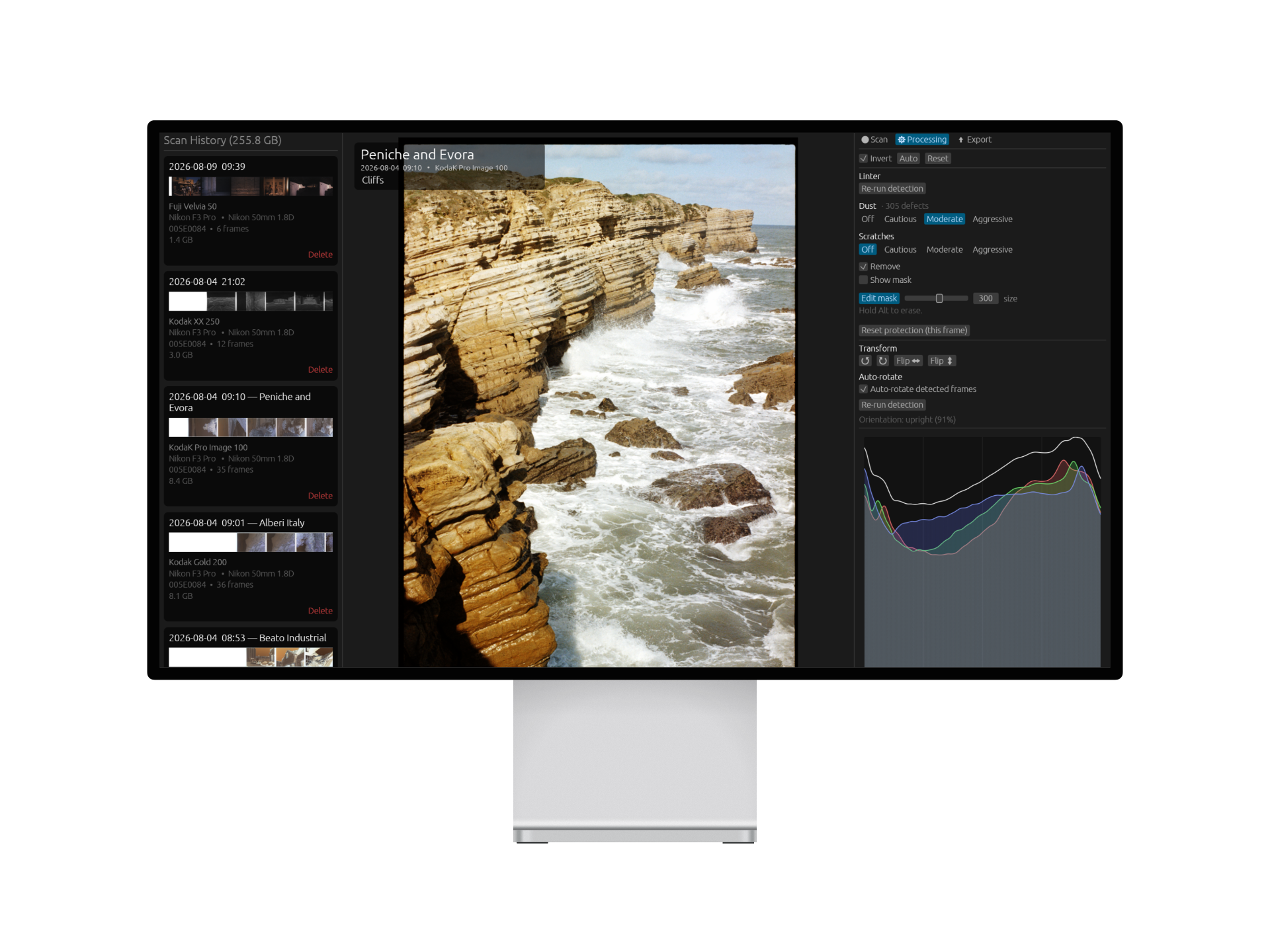
Korova drives Knokke in real time, ingesting a 16-bit image stream over USB while converting, previewing and writing the scan to disk, and running dust detection alongside it. Minimum runs the full scanning workflow; recommended keeps preview and transport smooth at the highest scanning speeds.
| Minimum | Recommended | |
|---|---|---|
| Processor | Intel Core i5 10th gen / AMD Ryzen 5 3600 / Apple M1 (6 cores) | Intel Core i7 12th gen / AMD Ryzen 7 5800 / Apple M1 Pro or newer (8 cores) |
| Memory | 8 GB | 16 GB |
| Graphics | Any GPU with OpenGL 3.1 (integrated is fine) | Same. Korova does not need a discrete GPU |
| Storage | 20 GB free | 100 GB free on an SSD |
| USB | One USB 3.0 (5 Gbps) port | Same, connected directly (no hub) |
| Display | 1600 × 1000 | 1920 × 1080 or higher |
Operating Systems
Windows: Windows 10 or 11, 64-bit (x64). Installed via the MSI package; all runtime libraries are bundled. Windows on ARM is not supported.
macOS: macOS 15 Sequoia or newer. Native builds for both Apple silicon (M1 and later) and Intel Macs.
Linux: 64-bit (x86-64) via the .deb package on Ubuntu 24.04 LTS or newer, or a distribution of the same generation, and via the .pkg.tar.zst package on Arch Linux. Wayland and X11 are both supported, and either package installs the udev rule that grants access to the scanner, so no manual permissions setup is needed.
Scanner Connection
Knokke requires a USB 3.0 (SuperSpeed, 5 Gbps) or faster port and cable. Korova checks the negotiated link speed on connection and will refuse to scan over USB 2.0. If that happens, try a different cable or port. Connect directly to the computer where possible; if a hub is unavoidable, use a powered USB 3.0 hub and avoid sharing it with other high-bandwidth devices while scanning.
Storage
Scans are written as 16-bit image pyramids while the film is transported, so disk speed directly affects scanning: an SSD is strongly recommended, and required for the highest transport speeds. Budget roughly 2 to 5 GB of working data per 36-exposure roll, plus whatever you export.
Graphics
Korova needs OpenGL 3.1 or newer, which is met by effectively every GPU released since about 2011 with its vendor driver installed. Virtual machines need 3D acceleration and guest tools enabled, and Remote Desktop (RDP) sessions on Windows often lack hardware OpenGL, so run Korova at the machine itself. On Windows the installer checks OpenGL at install time and warns if the machine cannot run Korova.
Dust Detection
Dust and scratch detection runs on Intel's OpenVINO runtime on Windows and Linux, bundled with the package, with nothing extra to install. It works on any x86-64 processor OpenVINO supports, Intel and AMD alike, and uses an Intel GPU when one is present with the compute runtime.
On macOS detection runs through CoreML on the graphics processor. If the runtime cannot be loaded, Korova says so at start-up and turns detection off for that session. Scanning and everything else carries on unaffected.
Internet
No internet connection is needed to scan, process or export. Korova runs fully offline, and Knokke firmware updates are bundled inside the application. A connection is only needed to download Korova itself and its updates.
Version
Korova 1.11.0
Released 28 September 2026
Requirements
macOS 15+, Windows 10+, Ubuntu 24.04+ or Arch Linux. A Knokke scanner and a USB 3.0 port are required. Full requirements
Support
Questions or issues? info@soke.engineering